How to Go Live on TikTok
 October 13, 2023
 Tik Tok
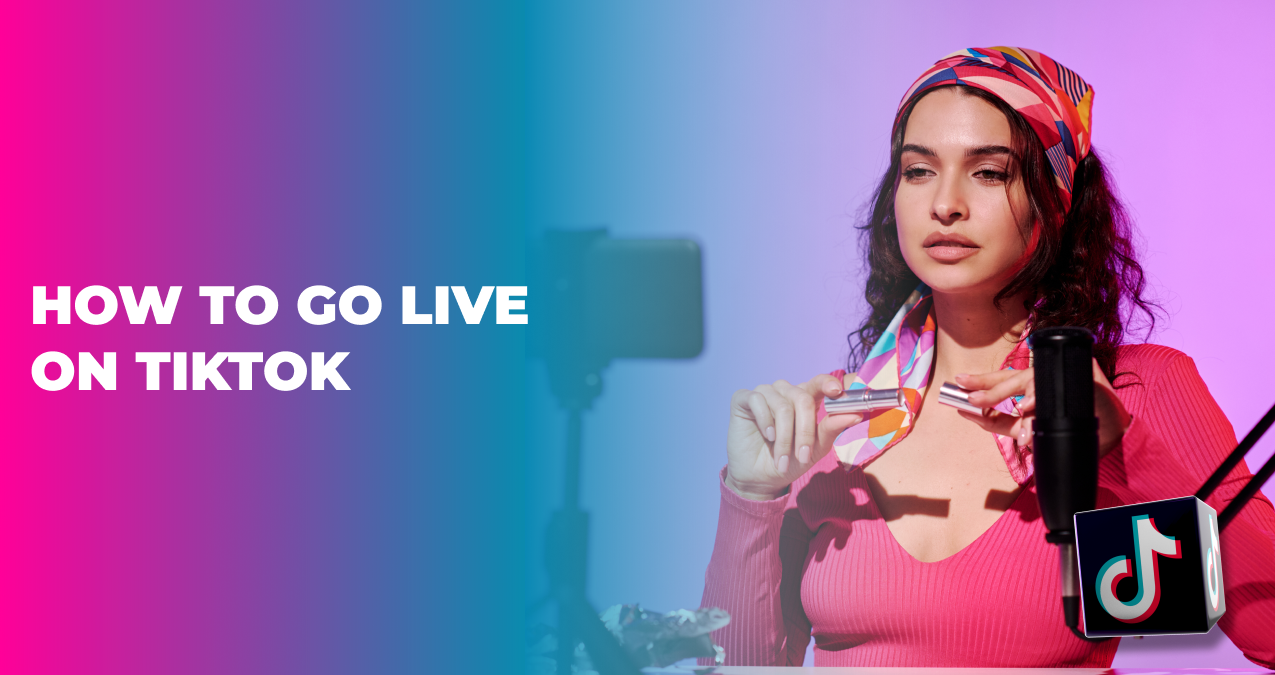
LIVE streams are always a good way to connect with your audience, increase the engagement of your account, or tell more about your new product or service. And when you run your business online, it is crucially important to show up and let others see what you do or offer. One of the platforms where you can talk more and talk live about yourself or your products is TikTok, and here we gathered some of the most important tips for you on how to go live on TikTok. Let’s dive in!
Table of Contents
The TikTok LIVE feature gives all creators and businesses around the world the best opportunity to go online, show yourself in real-time, show your true colors, be authentic, and just be you. LIVE provides you with endless options on how you can deploy it in your creation process or business. For example, if you are launching a new product or line of services, go LIVE, do a quick Q&A session with your followers or clients, tell them what you are up to, and show them how many great things they can expect from you.
There are no limits on the recording time when you are live, and you also can use the same filters, effects, and camera control as in short TikTok videos. So all you need to do is to think through your LIVE, relax, and enjoy communicating with your audience.
While LIVE is a very powerful tool for you to build a stronger community and loyalty of your fans on TikTok, unfortunately, not everyone can access this feature. To go live with TikTok, you should be 16 years old or older and have at least 1,000 followers. Until then, the feature will be unavailable for you. But once you reach the necessary number of followers, access to LIVE will appear automatically. So here are a few steps for you to access the LIVE stream options:
- If you are ready to go LIVE, tap on the create icon (the plus button in the center bottom of your app), which opens the LIVE screen.
- Find ‘Live’ in the screen navigation and from there you can choose an image and a title for your stream.
- Once everything is set up, click the button ‘Go LIVE’ and you are good to go!
- When you are live, you will also see the 3 dots icon at the bottom of your screen. Now if you tap them, you can access a variety of settings, like camera flip, filters, effects, and others.
- To finish up with the LIVE, you can just tap the x icon at the top of your screen and this will wrap up your session.
The main point of it all? It is that TikTok allows you to earn some money through Gifts and Diamonds options if you go LIVE. You can collect Virtual Gifts from your followers who can purchase Coins to send a Gift. On top of that, your viewers can also send you Diamonds (if you are 18 years old or older) that can turn into real-world money in your designated account. You can check the Diamonds value in your Account Settings under the ‘Balance’ section.
Even when it can be challenging (even daunting sometimes) to go online and LIVE, show your face, and be you, live streams are a great opportunity for businesses today, both on- and offline, to create real-time content and promote your brand and product. You probably have heard this saying, people buy from people, so the more our audience knows us (even if it sounds scary), the more they trust us, and trust seems to be a very solid foundation for any kind of relationship. So don’t think twice, go online and build your brand for everyone to see.
How can I gain 1,000 followers faster?
If you are struggling with gaining followers, you can check out our services and buy TikTok followers (e.g. buy 1,000 TikTok followers at once).
Can I customize my TikTok LIVE?
Absolutely! All you need to do is go to Settings (3 dots icon at the bottom right) and find the options you need.
I still can’t go LIVE, what can be the problem?
If you are eligible to use the feature, but still can’t access it, then you should check out TikTok community guidelines and see if there is a ban on your account or not.
Can I stream immediately after gaining followers?
Yes! You get the access to feature right away.